NEXUS-Q APPS · DESKTOP SOFTWARE

NEXUS-Q Sign.

Local-first document signing and verification with post-quantum ML-DSA-65 signatures. Keep the original document untouched and store each detached signature in its own .nqsig file.

/ apps / desktop

Sign documents. Keep them intact.

NEXUS-Q Sign is an independent desktop application built with Rust, Tauri 2, Svelte 5 and TypeScript. Signing and verification run locally; the original document is never modified.

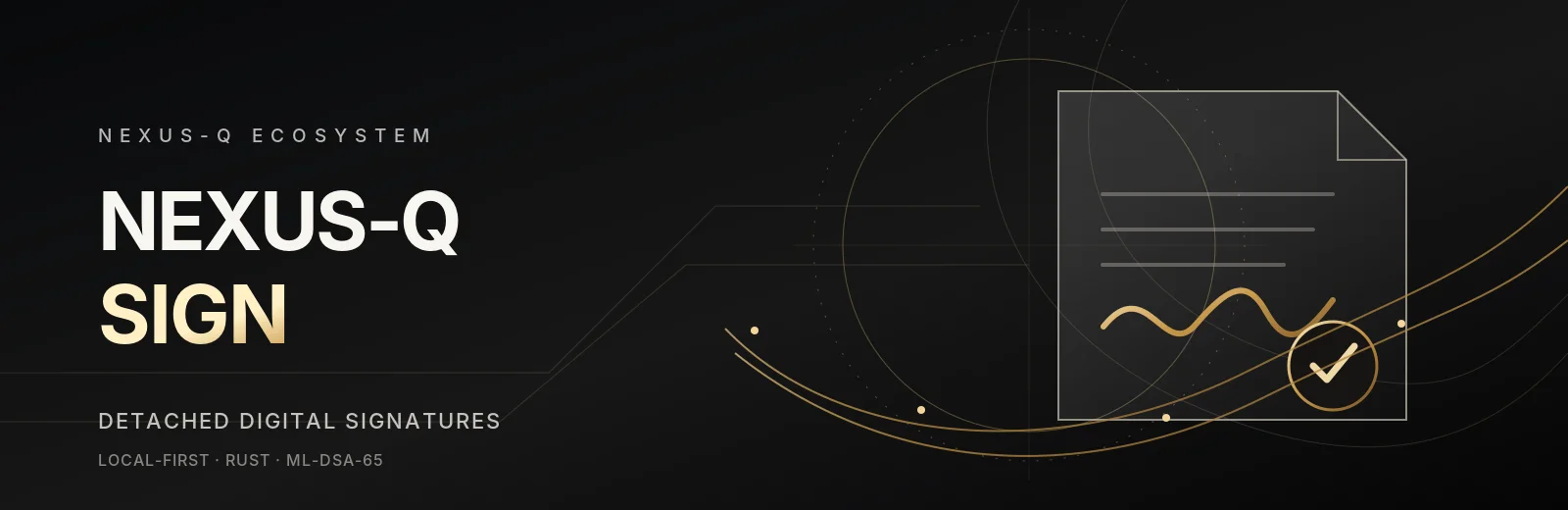
NEXUS-Q Sign desktop application banner
NEXUS-Q Sign v0.1.0 · Early access · 14 Nov 2026

Detached post-quantum signatures

Create a separate .nqsig signature sidecar for a document, then verify the signature and the SHA-256 digest of the exact original bytes. Sign uses ML-DSA-65 and keeps identity and private-key operations in its native Rust backend.

ML-DSA-65 signing

Create detached post-quantum document signatures without changing the source file.

Document verification

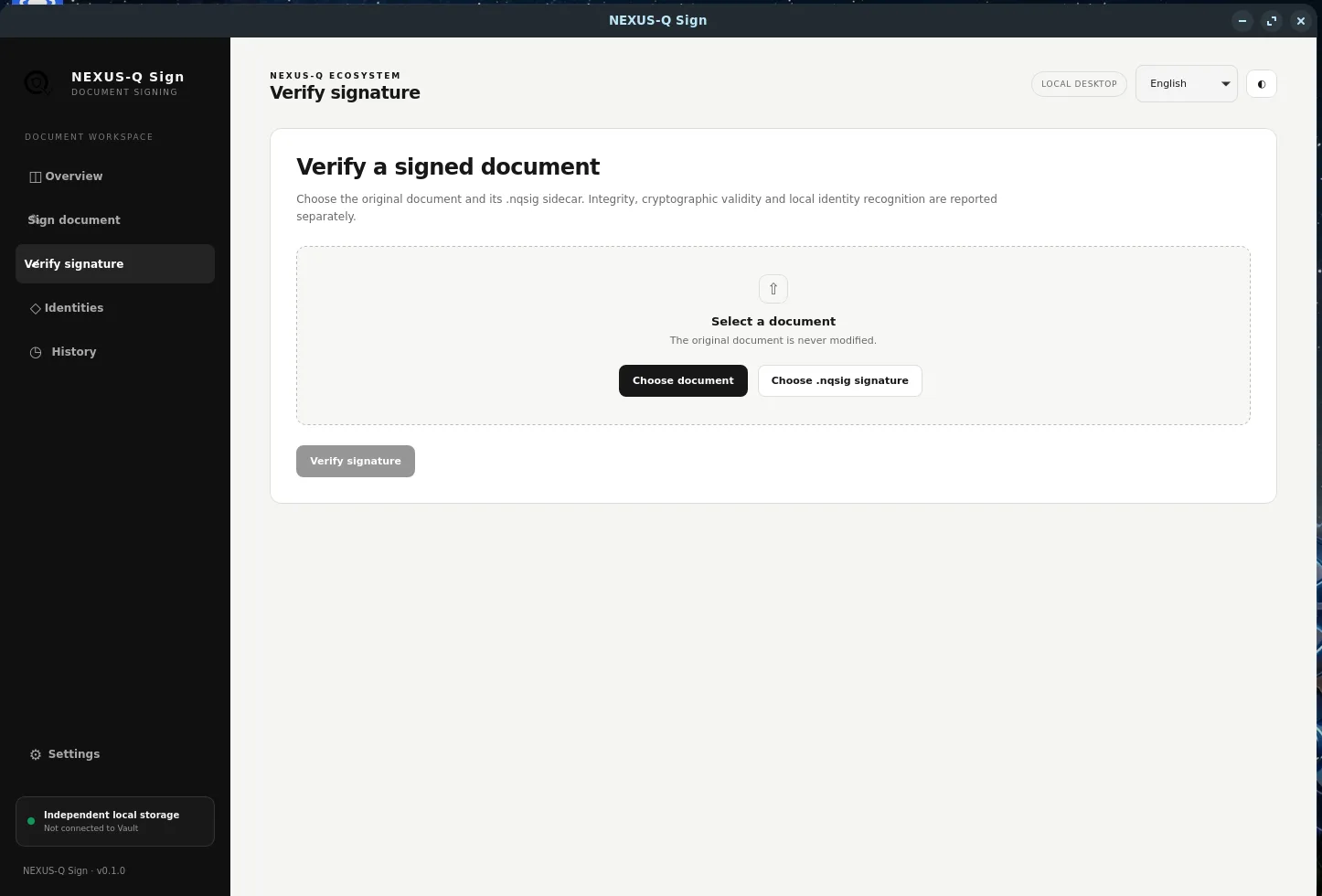
Check the signature and document digest, with distinct outcomes for changed files and invalid signatures.

Local identities

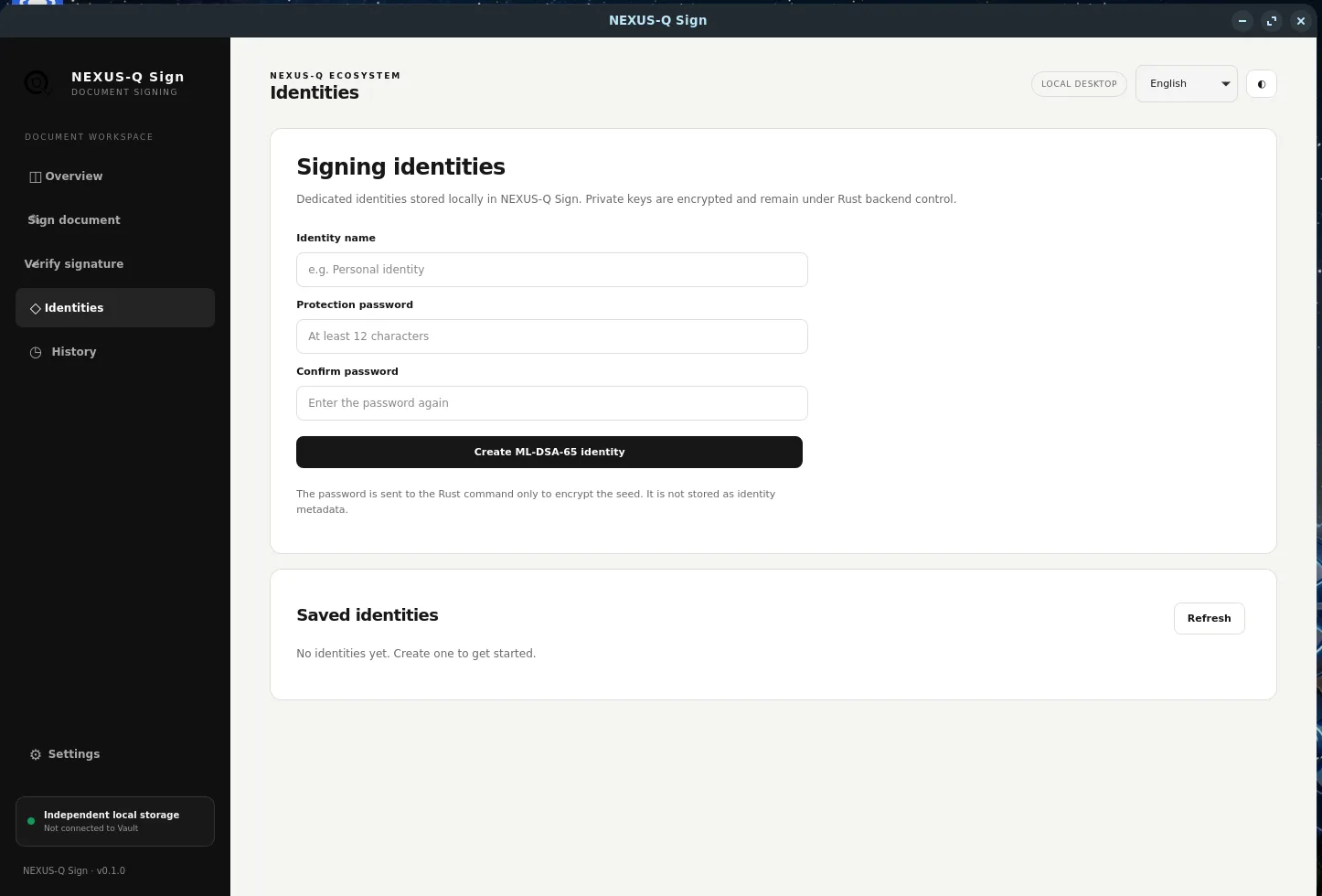
Create and manage Sign-specific identities and recognize identities stored locally.

Encrypted key custody

Private-key seeds are encrypted at rest and remain inside the Rust backend.

Operation history

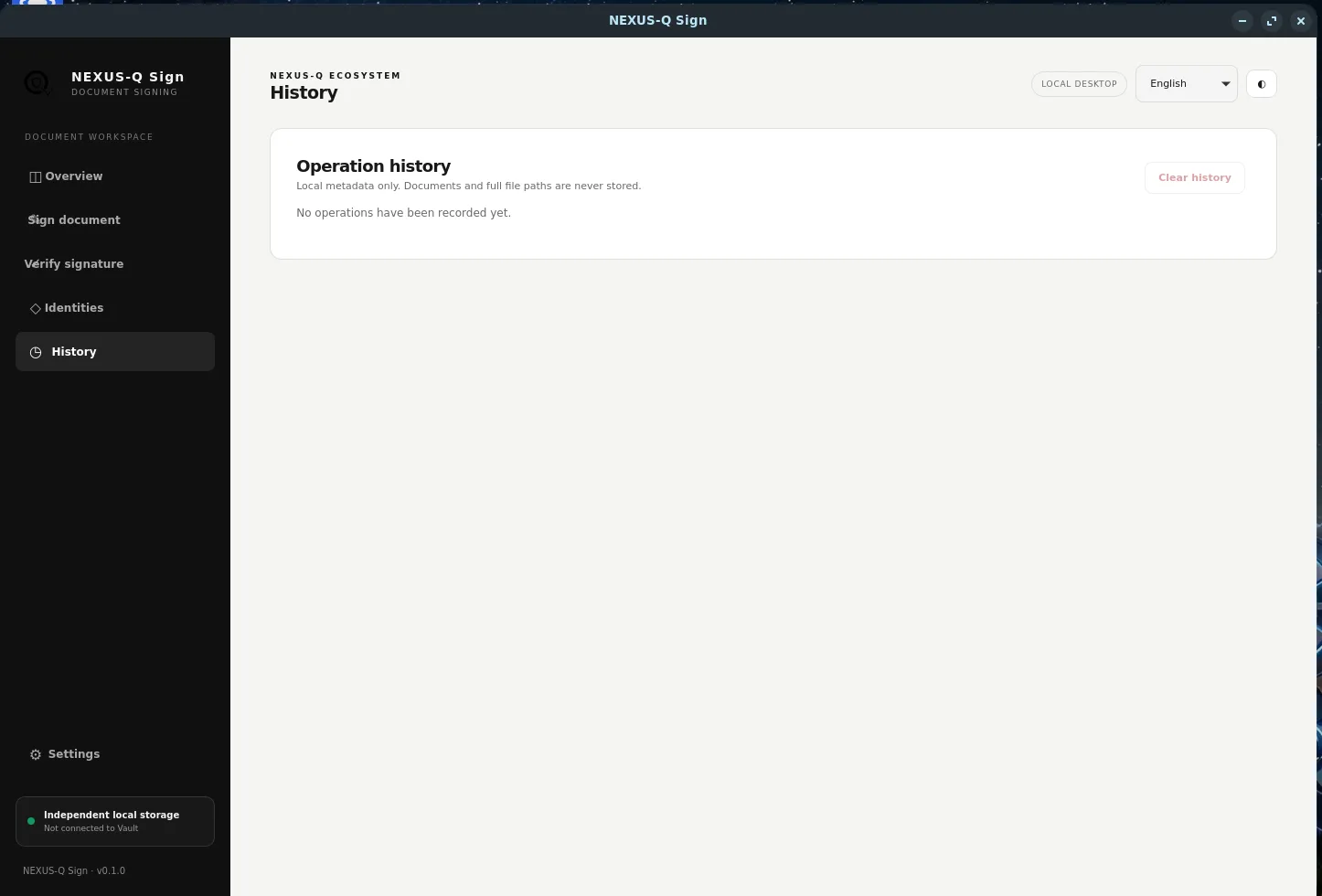
Local SQLite history stores operation metadata, not document contents, full paths or private keys.

Multilingual UI

English by default, with Spanish and Catalan translations.

Built with Rust · Tauri 2 · Svelte 5 · TypeScript · Vite · SHA-256 · ML-DSA-65. Sign is independent from NEXUS-Q Vault, with separate identities, keys, storage and history.
/ workflow / detached signatures

A clear signing workflow.

Sign separates document integrity, mathematical signature validity and local identity recognition instead of treating them as the same claim.

01 · Select and sign

Choose a document and a local signing identity. Sign calculates its SHA-256 digest and creates a detached ML-DSA-65 signature.

02 · Keep both files

The original document remains unchanged. The signature is saved separately as a .nqsig sidecar file.

03 · Verify independently

Choose the original document and its sidecar. Sign checks the digest and signature, and reports whether the identity is recognized locally.

Verification distinction: a mathematically valid signature from an unknown identity can still be valid. Local recognition is not certificate-chain validation, identity proof or revocation checking.
/ downloads / v0.1.0

Choose your platform.

Direct installers from the GitHub v0.1.0 release. Choose the package for your operating system and architecture.

Linux release packages include a workaround for a reproduced WebKitGTK blank-window issue on systems with exceptionally large Fontconfig catalogues. It is Linux-only and not a universal fix. See the diagnostic notes. Release notes and all assets.

/ product / screenshots

A closer look.

Screenshots from the NEXUS-Q Sign desktop application, covering its main workspace and primary workflows.

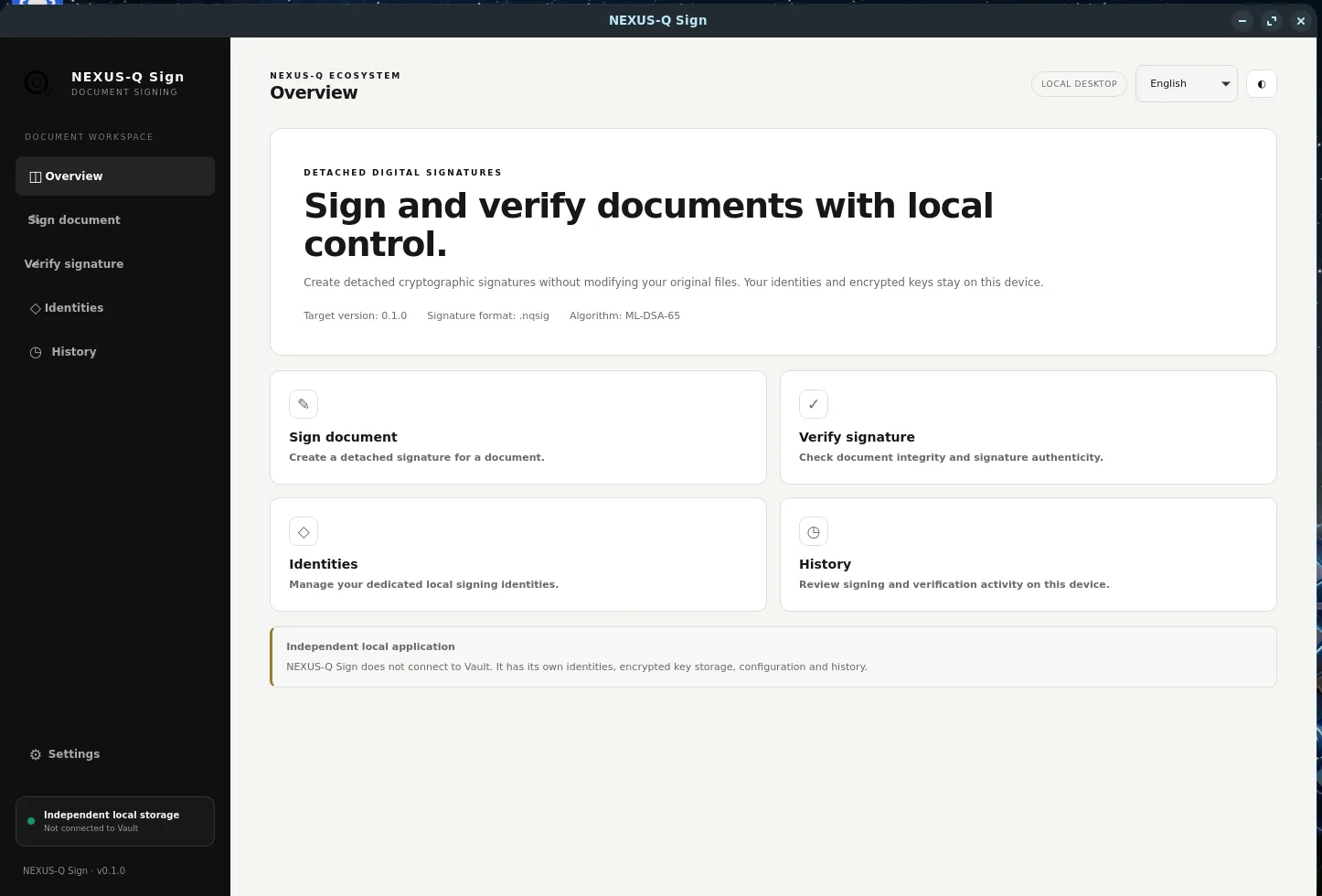
NEXUS-Q Sign overview and desktop workspace
Overview · main workspace
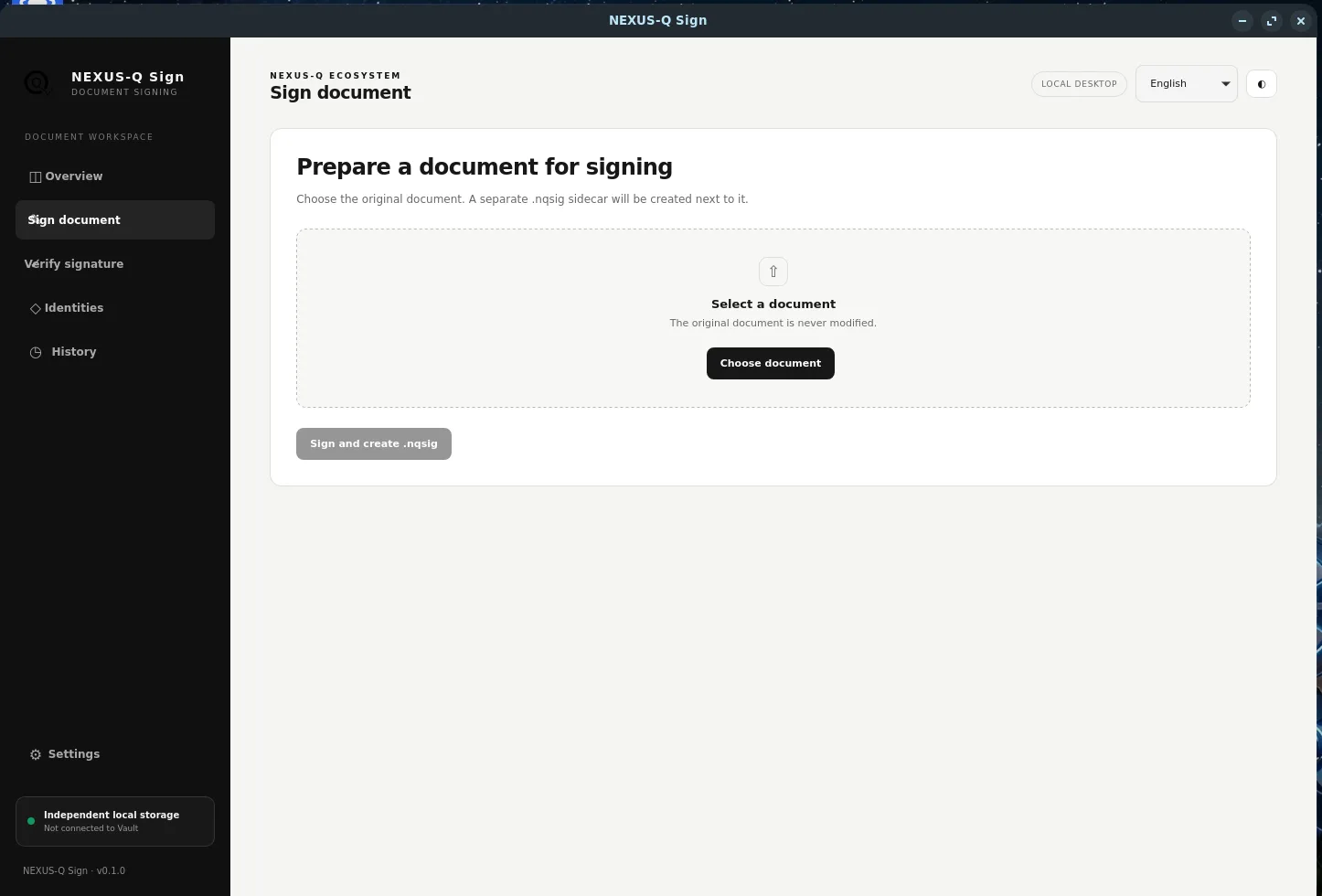
NEXUS-Q Sign document signing workflow
Sign document · detached signature creation
NEXUS-Q Sign signature verification workflow
Verify signature · document integrity and signature status
NEXUS-Q Sign local identity management
Identities · local signing identity management
NEXUS-Q Sign local operation history
History · local operation metadata
/ scope / security notes

Know what v0.1.0 does and does not claim.

Included in this release

  • Detached NQSIG v1 signature files.
  • ML-DSA-65 signatures and SHA-256 document digests.
  • Local identities and encrypted private-key seed storage.
  • Local-only operation history metadata.
  • Windows x64, macOS ARM64/Intel and Linux x86_64 packages.

Not provided by v0.1.0

  • No independent security audit.
  • No guarantee of external NQSIG interoperability.
  • No PAdES or embedded PDF signatures.
  • No certificate authority, revocation checking or trusted timestamps.
  • No qualified electronic signature or legal-validity claim.
  • No cloud signing, synchronization or bulk-signing workflow.
Early-access notice: successful CI builds do not replace runtime testing on every target machine, end-to-end validation or an independent security review. A valid cryptographic signature alone does not prove the real-world identity of its signer or establish legal validity.

Read the complete v0.1.0 release notes ↗ · NQSIG format ↗ · Security policy ↗